This is your command center. Your base camp. Your Starship Enterprise bridge. Here's what everything does.
The Bento Dashboard
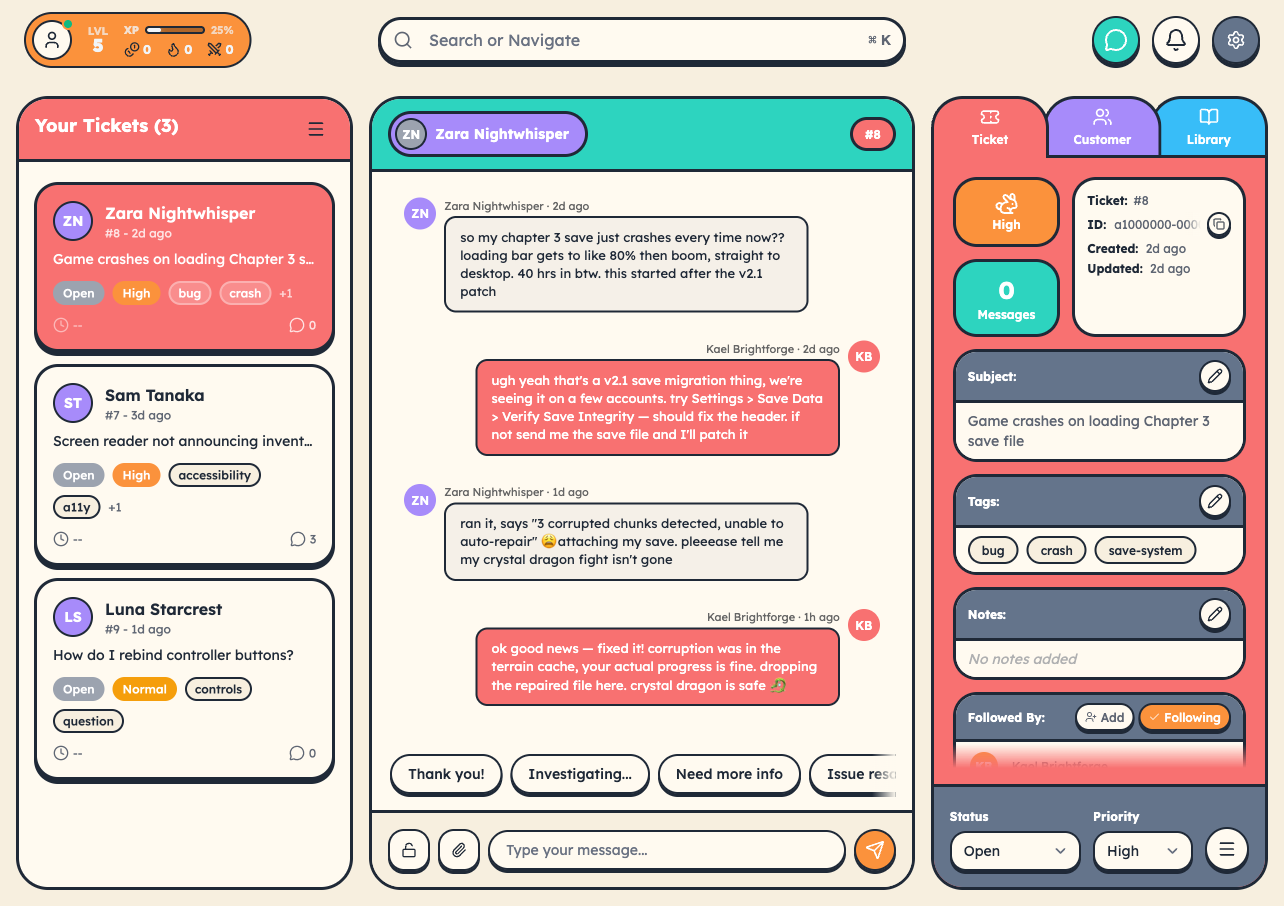
cStar's dashboard is a bento grid of cards you can rearrange to fit your workflow. Each card surfaces one slice of your work or your team's work. Hit the Edit button (top-right of the dashboard) to add, remove, drag, and resize cards.
What you'll find in the catalog:
- Open Tickets: your queue with SLA timers and priority badges
- My Stats: level, XP progress, current streak, daily quest status
- Skill Tree: passive bonuses you've unlocked or are working toward
- Daily Quests: today's objectives
- Season Progress: prestige progress and what you'll earn at the next level
- Boss Battle: the active boss (when one is spawned) with the team's combined damage
- Team Activity: recent closes, 1-Ups, achievements
- Customer Snapshot: recent and at-risk customers
- Library Snapshot: most-used and most-viewed articles
- AI Status: what your AI agents are doing right now (when AI Agents are enabled)
- Try This Next: rotating suggestions for unused features
- Teams Your Size: anonymous benchmarks against teams in your seat range
Anything you don't want, remove. Anything you miss, add it back.
SLA Timers
The color-coded countdown clocks tell you what's urgent:
- Green: plenty of time
- Yellow: pick up the pace
- Red: drop what you're doing
Search & Command Bar
Hit Cmd/Ctrl + K from anywhere to open the Command Bar. It does much more than search:
- Find any ticket, customer, or article
- Jump to any settings page
- Run quick actions (create a ticket, invite a member, toggle a feature)
Press Esc to close.
Bulk Actions
Select multiple tickets with checkboxes (in the Tickets route) and update them all at once. Close 10 resolved tickets in a single click, reassign 5 in a row, retag in bulk.
Sidebar Navigation
| Tab | What it is |
|---|---|
| Dashboard | Where you are now |
| Tickets | Full ticket queue |
| Customers | Customer database |
| Library | Knowledge base |
| Community | Customer-to-customer forum |
| Metrics | Reporting and analytics |
| Settings | Configuration |
Sidebar icons match each entity's brand color. Tickets is coral, Customers is blue, Library is amber, etc.
Your Agent Profile
Open your profile to see:
- Current level and XP progress
- Unlocked achievements
- Active streak
- Skill tree progress
- Leaderboard position (if your team has leaderboards on)
- Cosmetics inventory (frames, themes you've unlocked)
What to Do First
- Check your open tickets. Pick one.
- Respond. Help the customer.
- Close it when the issue is resolved.
- Watch your XP update.
- Repeat.
The dashboard exists to help you help people. Don't overthink it. Jump in.